What Separates a Real Chat Translation App from a Generic Translator?
A chat translation app isn't just Google Translate in a different skin. The defining difference is workflow integration: a real chat translation app lives inside your messaging experience, translating messages as they arrive and converting your replies before they're sent. You don't leave the conversation — the translation happens inline.
Generic translators work like a dictionary: you look something up, get the answer, and manually apply it. Chat translation apps work like a simultaneous interpreter: you talk, they translate, the other person understands. The distinction matters enormously when you're handling 50+ cross-language messages a day.
What Features Should You Actually Care About in a Chat Translation App?
App stores are flooded with "translation" apps that are really just wrappers around Google Translate's API. Here are the features that genuinely separate the useful from the useless:
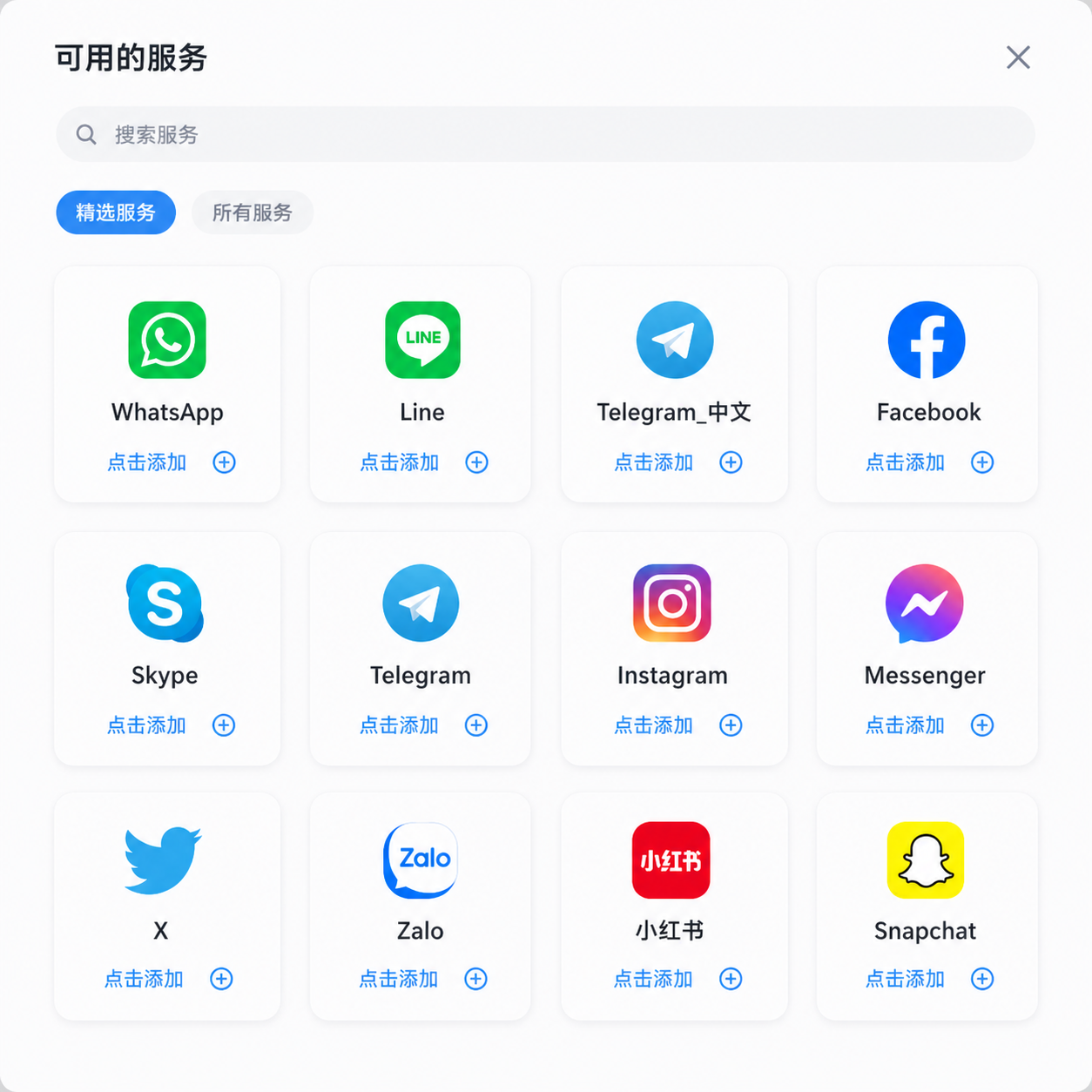
- Platform coverage: Does it work with the apps you actually use? WhatsApp, Telegram, LINE, WeChat, Messenger, Instagram DMs — if your tool only covers two of these, you're still juggling.
- Translation latency: How long between message arrival and translation display? Under 2 seconds is excellent; over 5 seconds breaks the flow of real-time conversation.
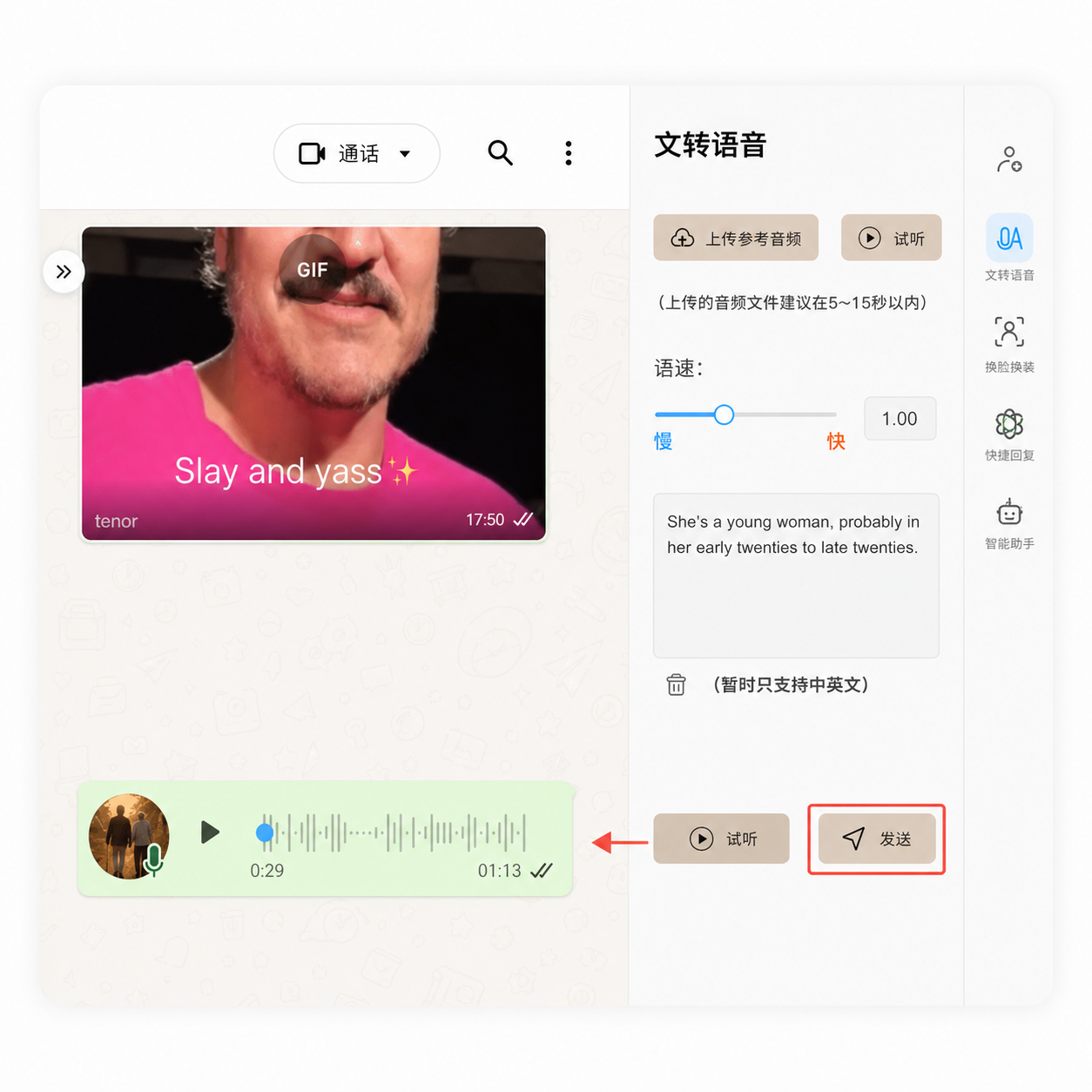
- Voice message support: In many markets (Latin America, Middle East, Southeast Asia), voice messages outnumber text messages 3:1. If your app can't translate voice, you're missing most of the conversation.
- Context memory: Does the app remember previous messages in the conversation? Without context, "Can you do $2.50?" is meaningless. With context from the previous message about unit pricing, the translation is accurate.
- Glossary/custom terminology: Can you teach the app your industry terms? "PI" means "Proforma Invoice" in trade, not the mathematical constant.
- Privacy architecture: Where does your message data go? Local processing keeps it on your device; cloud processing sends it to a server. For business communications, this is non-negotiable.
Chat Translation Apps Compared: The 2026 Landscape
| App | Platforms | Voice Translation | Context Memory | Privacy Model | Pricing |
|---|---|---|---|---|---|
| OneChat | 36+ (WhatsApp, Telegram, LINE, WeChat, Messenger, Instagram, Discord, Slack, etc.) | ✅ Text + Voice | ✅ Full conversation context | 100% Local + Hybrid | Free + Premium |
| iTranslate | Standalone only | ✅ Voice | ❌ Per-message only | Cloud | $5.99/mo |
| Microsoft Translator | Teams + Standalone | ✅ Voice (multi-speaker) | ⚠️ Limited | Cloud (Enterprise options) | Free + Enterprise |
| Google Translate | Standalone only | ✅ Voice (conversation mode) | ❌ Per-message only | Cloud (data used for training) | Free |
| DeepL | Standalone only | ⚠️ Voice input added 2025 | ❌ Per-message only | Cloud (Pro: no training use) | Free + Pro $8.99/mo |
The pattern is clear: traditional translation tools (Google, DeepL, iTranslate) focus on translation quality in isolation but don't integrate into your messaging workflow. The chat aggregator approach (OneChat) sacrifices nothing on translation quality while adding the workflow integration that actually saves time day-to-day.
How Much Time Does a Good Chat Translation App Actually Save?
We ran a simple test: a cross-border e-commerce operator handling 80 WhatsApp messages per day, split 50/50 between Chinese and English contacts. With the "copy-paste-translate" method (Google Translate in a separate window), the total message-processing time was 52 minutes per day. With an integrated chat translation app, it dropped to 21 minutes — a 60% reduction.
According to CSA Research's 2024 Language Sector survey, multilingual team members waste an average of 4.2 hours per week on "translation tool juggling" — switching between communication apps and translation tools. That's over 200 hours a year, per person, that a properly integrated chat translation app can reclaim.
For more insights on translation productivity and ROI, check CSA Research's language technology insights.
What Most Chat Translation Apps Get Wrong (And How to Avoid It)
Three common failure modes to watch for:
- The "per-message amnesia" problem: Most apps translate each message as if it exists in a vacuum. When a client says "That works" after a 10-message negotiation about pricing, a context-unaware translator might produce a literal translation that misses the decisive tone.
- The "formal-only" trap: Many translation engines are trained on formal written text. They turn casual "Hey, got a sec?" into stiff formal equivalents that sound unnatural in chat. Look for apps that use conversational AI models, not just document translators.
- The "English-centric" assumption: Some apps optimize heavily for English↔MajorLanguage pairs and fumble on "minority" language pairs like Japanese→Arabic or Korean→Portuguese. If your business operates across non-English language pairs, test specifically before committing.
FAQ Schema
Stop Switching Between Translation Tools and Messaging Apps
OneChat unifies 36+ messaging platforms with AI-powered translation that works inline — no copying, no pasting, no context switching. Translate text and voice messages across 100+ languages, all with local data storage for complete privacy. Join users saving 200+ hours per year on cross-language communication.
Download OneChat Free