Why Auto-Translate WhatsApp for Business?
If you run an export business, you've likely faced this: a WhatsApp message from a potential client arrives in Spanish, Arabic, or Vietnamese — and you spend the next 30 seconds copying, pasting, translating, copying again, and pasting back. Multiply that by 50 messages a day, and you're losing over 15 minutes just to translation logistics.
According to Statista data, WhatsApp has over 2.78 billion active users across 180+ countries as of 2024 — it's not just a chat app, it's the primary business communication channel in markets like Brazil, India, Indonesia, and the Middle East. If you're doing cross-border business, WhatsApp auto-translate isn't optional — it's table stakes.
Can You Auto-Translate WhatsApp Natively?
The short answer: not really. WhatsApp itself does not offer a built-in auto-translate feature as of 2026. There's no toggle in WhatsApp Settings that says "auto-translate incoming messages." What does exist is a basic "Translate" option for individual messages on Android (powered by Google Translate integration), but it requires manually tapping each message — hardly "auto."
On iOS, you don't even get that. So if you're running a business and need seamless WhatsApp translation, you have three real paths:
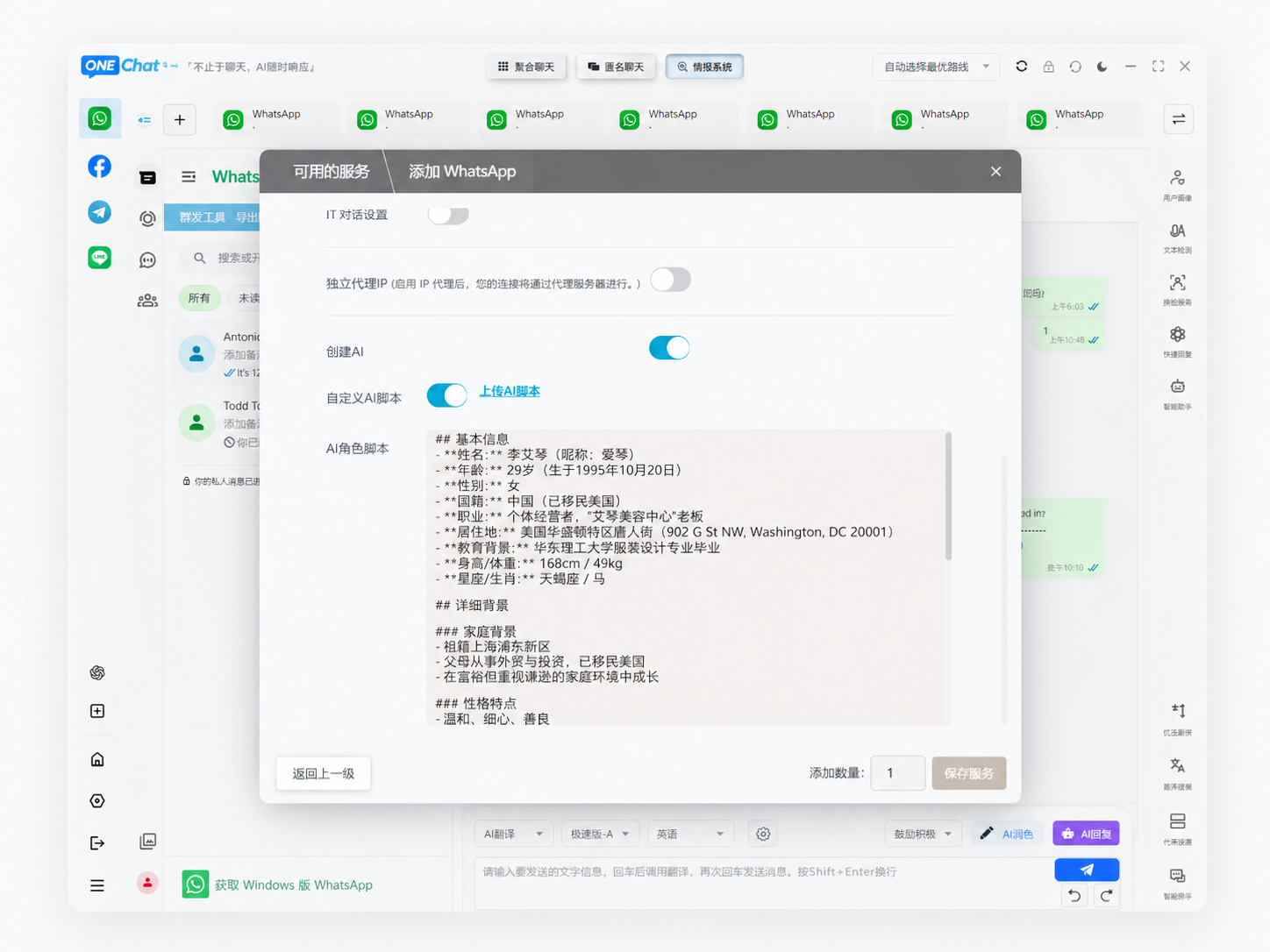
- Chat aggregation apps with built-in translation — Connect WhatsApp via linked devices to a platform that handles translation automatically (e.g. OneChat).
- Third-party keyboard apps with translation — Use Gboard or SwiftKey's translate feature while in WhatsApp.
- Manual copy-paste to Google Translate or DeepL — Functional but painfully slow for business use.
How to Set Up WhatsApp Auto-Translate: Three Methods Compared
| Method | Auto-Detect Language? | Auto-Translate Replies? | Setup Time | Best For |
|---|---|---|---|---|
| OneChat (chat aggregator) | ✅ Yes | ✅ Yes | 5 min | Business users, 50+ msgs/day |
| Gboard translate feature | ❌ No | ❌ No (manual) | 1 min | Casual, <10 msgs/day |
| Manual Google Translate | ❌ No | ❌ No | 0 min | Occasional use |
The key difference: chat aggregator apps provide true auto-translation — they detect the incoming language, translate it into your preferred language, and translate your outgoing replies back to the recipient's language. All within the chat window. No copying, no pasting, no switching apps.
Does WhatsApp Auto-Translate Work for Multiple Languages at Once?
Yes — and this is where proper tools shine. If you're handling clients from Brazil (Portuguese), Saudi Arabia (Arabic), and Vietnam (Vietnamese) in the same day, a good auto-translate tool should handle all of them without you needing to manually switch language settings.
OneChat, for example, supports 100+ languages with automatic language detection. When a Portuguese message arrives, it translates to English. When an Arabic inquiry comes in next, the same system detects the language switch and adjusts automatically. According to Slator's 2024 Language Industry Market Report, multi-language auto-detection accuracy now exceeds 97% for distinct language pairs, making juggling multiple business languages entirely feasible.
Privacy Considerations: Where Does Your Translated Chat Data Go?
This is the question most businesses overlook. When you use Google Translate's website or app to translate business messages, your chat content passes through Google's cloud servers. For casual chats, this may not matter. For business negotiations involving pricing, contracts, and supplier details — it absolutely does.
Look for auto-translate solutions that offer local data storage with end-to-end encryption. Tools that process translation at the device level (rather than logging your conversations on external servers) are essential for protecting trade secrets. OneChat, for instance, keeps all chat data and translation history stored 100% locally on your device.
FAQ
Does WhatsApp have a built-in translator?
No. WhatsApp offers a basic "Translate" option for individual messages on Android only, powered by Google Translate integration. There is no auto-translate feature, and iOS users get no native translation support at all.
What is the best way to auto-translate WhatsApp for business?
A chat aggregator with built-in translation (like OneChat) is the most efficient approach — it detects languages automatically and translates both incoming and outgoing messages in real time, without requiring copy-paste between apps.
Can WhatsApp auto-translate voice messages?
No. WhatsApp has no native voice message translation. Some third-party tools can transcribe voice messages and then translate the text, but this requires additional processing steps.
Is WhatsApp auto-translation secure for business use?
It depends on the translation provider. Solutions that process data on external cloud servers (like Google Translate) expose business messages to third parties. Look for tools with local data storage and end-to-end encryption to protect business confidentiality.
Does WhatsApp auto-translate support right-to-left languages like Arabic?
Quality varies by tool. Google Translate and DeepL handle Arabic translation well, but the visual formatting of mixed RTL/LTR text in chat windows can be inconsistent. Test with actual messages before committing to a tool for Arabic-speaking markets.
FAQ Schema
Translate WhatsApp Messages Automatically — Without Copy-Paste
OneChat connects WhatsApp, Telegram, LINE, WeChat, and 32+ other platforms into one window — with built-in AI translation across 100+ languages. Incoming messages auto-translate to your language. Your replies auto-translate back to theirs. No copy, no paste, no switching apps. 100% local data storage keeps your business conversations private. Built for exporters, cross-border teams, and anyone doing business across languages.
👉 Try OneChat Free