What Does "WhatsApp Auto Translate" Actually Mean?
WhatsApp auto translate refers to any tool or method that automatically converts incoming WhatsApp messages into your preferred language — without you having to manually copy, paste, and switch between apps. It's not a built-in WhatsApp feature (Meta hasn't added native translation yet), but third-party solutions have made it seamless.
There are three main approaches: chat aggregator apps that integrate translation into the messaging interface, keyboard extensions that translate as you type, and browser extensions for WhatsApp Web users. Each works differently, and the right choice depends on whether you're on mobile, desktop, or both.
Why Doesn't WhatsApp Have Built-In Translation Yet?
Despite being owned by Meta — the same company behind Facebook's built-in translation and Instagram's auto-translate captions — WhatsApp has held off on native translation. The primary reason is end-to-end encryption. WhatsApp's encryption model means even Meta can't read your messages. Adding translation would require messages to pass through a translation server, potentially breaking the encryption chain.
That said, Meta has been testing translation features for WhatsApp Business accounts in select markets. According to WABetaInfo's reporting, a server-side translation feature was spotted in WhatsApp beta as early as 2024, but it's limited to Business API users and select regions. For everyday users and small businesses, third-party solutions remain the go-to option. Follow the latest WhatsApp feature developments at WABetaInfo.
Method 1: Chat Aggregator Apps (Best for Heavy Users)
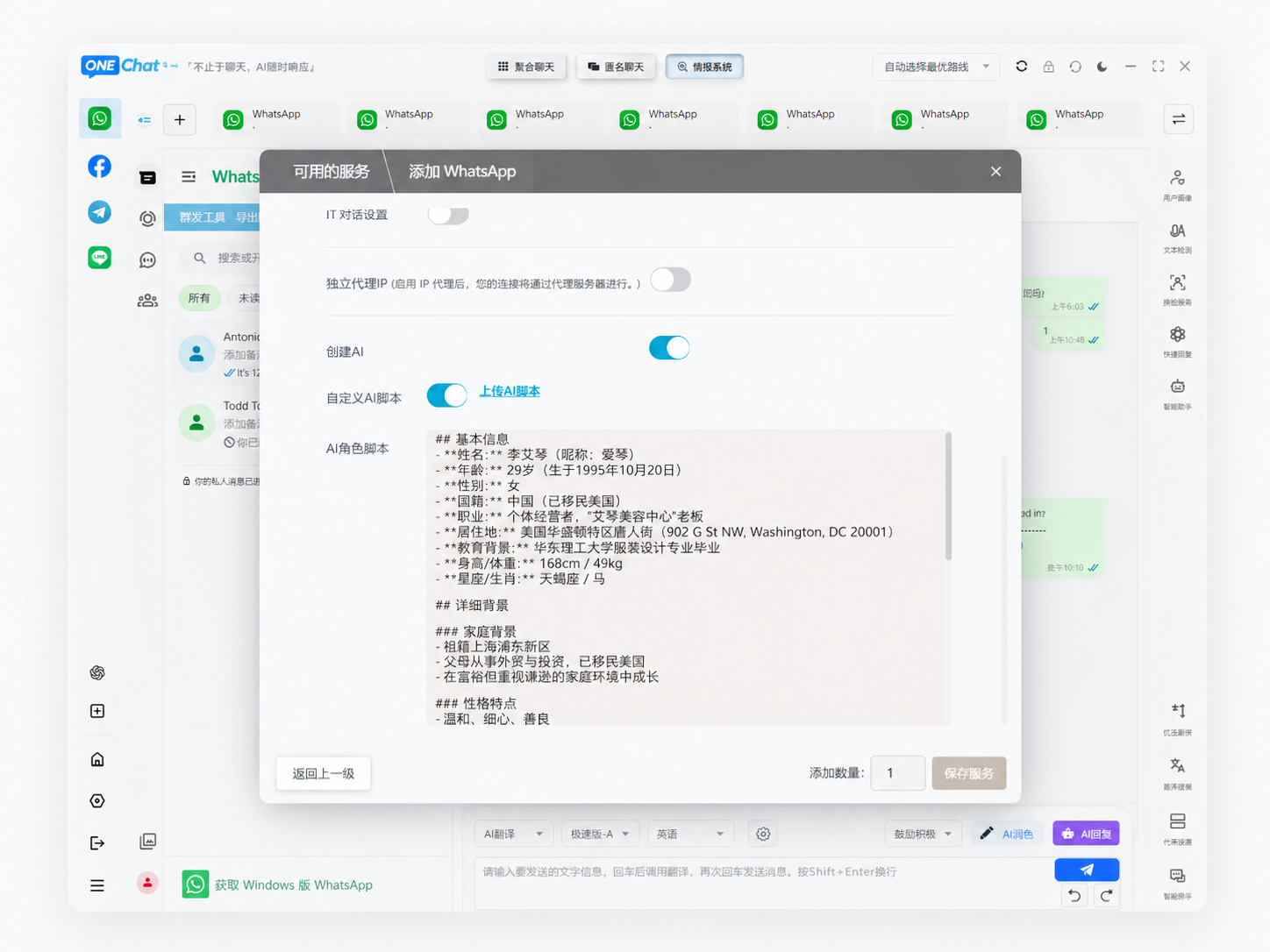
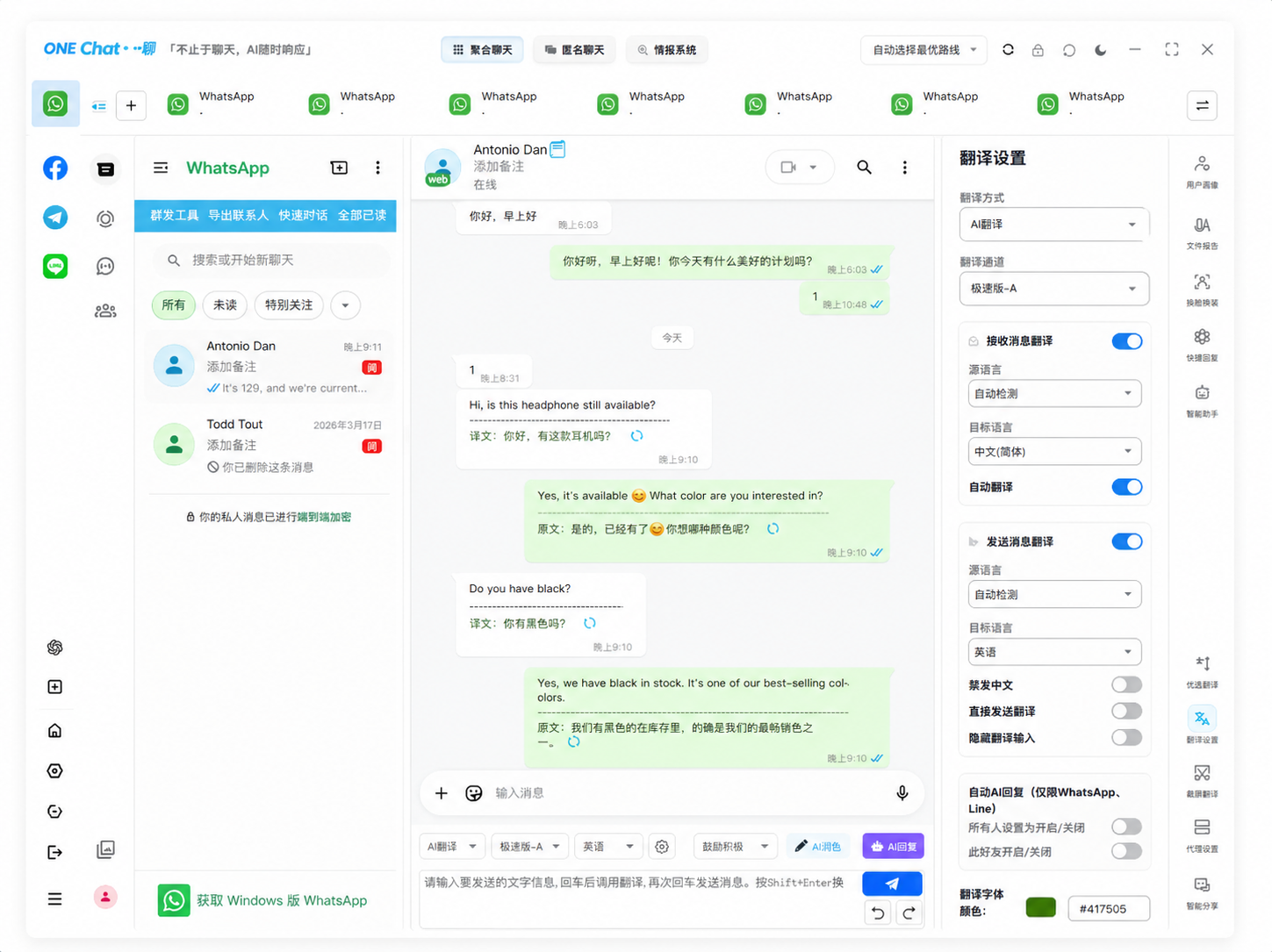
This is the most seamless approach. A chat aggregator like OneChat brings WhatsApp (along with 35+ other platforms) into one window and overlays an AI translation layer on top. When a message arrives in a foreign language, the translation appears directly beneath the original text — no copying, no switching, no delay.
Pros:
- Zero-friction workflow: read and reply in your language, the other person receives it in theirs
- Works with voice messages too — AI transcribes and translates audio
- Covers WhatsApp, Telegram, LINE, WeChat, and 30+ other platforms in one place
- Local data storage: your messages aren't uploaded to third-party servers
Cons:
- Requires installing a new app (though it consolidates others)
- May not suit users who only use WhatsApp and nothing else
Method 2: Keyboard Translation Extensions (Quick and Lightweight)
For mobile-only users who just need occasional translation, keyboard apps like Gboard and SwiftKey offer built-in translation. When typing in WhatsApp, you tap the translate button, type in your language, and the keyboard outputs the translated text directly into the message field.
Pros:
- No additional app needed beyond your keyboard
- Works across all apps, not just WhatsApp
- Free and easy to set up
Cons:
- Only translates what you type — it doesn't translate incoming messages
- No voice message translation
- Manual activation required for each message
Method 3: WhatsApp Web with Browser Extensions (Desktop-First)
If you primarily use WhatsApp on desktop via WhatsApp Web, browser extensions like "Translate WhatsApp" for Chrome add an inline translate button to each message. Click it, and the translation replaces or sits below the original text.
These extensions are lightweight and free, but they only work when WhatsApp Web is open in a browser with the extension installed. They don't cover the mobile app experience.
How Accurate Is WhatsApp Auto Translation in 2026?
Translation accuracy has improved dramatically. According to WMT 2024 evaluation data, the top AI translation models now achieve BLEU scores of 38-42 for English↔Chinese, 35-39 for English↔Spanish, and 32-36 for English↔Arabic — all well above the "usable for business" threshold of 30 BLEU that professional translators typically cite.
For WhatsApp conversations specifically — which tend to be informal, short-form, and context-dependent — modern AI models actually outperform traditional machine translation because they're trained on conversational data. They handle slang, abbreviations ("lol", "tbh", "imo"), and incomplete sentences far better than 2022-era translators.
However, accuracy drops noticeably for: heavily accented voice messages, industry jargon without a custom glossary, and languages with limited training data (like Swahili or Urdu). For critical business negotiations, always double-check key numbers and dates.
Setting Up Auto-Translate for WhatsApp: A Quick Comparison
| Method | Incoming Translation | Outgoing Translation | Voice Messages | Best For |
|---|---|---|---|---|
| Chat Aggregator (OneChat) | ✅ Automatic | ✅ Automatic | ✅ Yes | Daily business use, heavy WhatsApp users |
| Keyboard Extension | ❌ No | ✅ Manual | ❌ No | Casual users, occasional needs |
| Browser Extension | ✅ Manual click | ❌ No | ❌ No | Desktop-only users |
| Copy-Paste to Google Translate | ❌ Manual | ❌ Manual | ❌ No | Once-a-week users |
FAQ Schema
Tired of Copy-Pasting Between WhatsApp and Google Translate?
OneChat brings WhatsApp plus 35+ other messaging platforms into one window with built-in AI auto-translation. Messages translate automatically as they arrive — text and voice. 100+ languages supported, all data stored locally on your device. Start communicating across languages without the friction.
Download OneChat Free