The Hidden Cost of Managing 6 Chat Apps for Cross-Border Business
Count the messaging apps you use for work right now. Most cross-border professionals juggle at least four: WhatsApp for Latin American and European clients, Telegram for Middle Eastern and CIS markets, LINE for Japan and Thailand, WeChat for China, and then Slack or Microsoft Teams for internal team chat. Each one is a separate window, a separate notification stream, and — critically — a separate place where language barriers slow you down.
According to Unbabel's 2025 Global Multilingual CX Report, multilingual customer service teams spend an average of 27% of their time just switching between communication tools and translation services — not actually communicating. A multi-messenger platform with built-in translation eliminates that entire overhead.
What Exactly Is a Multi Messenger with Translation?
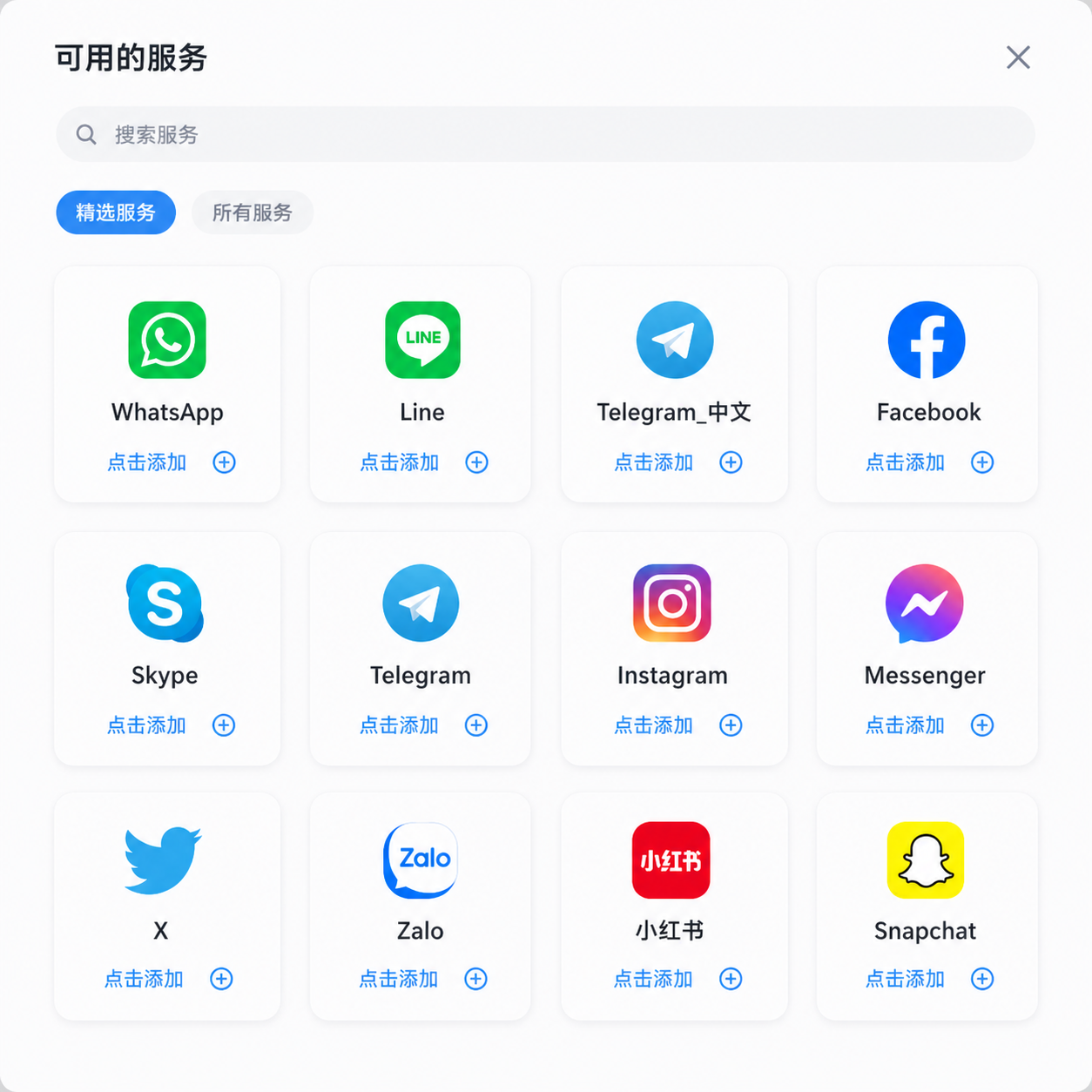
A multi messenger with translation is a desktop or mobile application that combines two functions into one interface: (1) unified messaging — pulling conversations from WhatsApp, Telegram, LINE, Messenger, Instagram, and other platforms into a single inbox; and (2) built-in AI translation — automatically detecting the language of incoming messages and translating them to your preferred language, and vice versa for outgoing replies.
It is not a browser extension that patches WhatsApp Web. It is not a standalone translation app where you paste text. It is a replacement interface for your fragmented messaging workflow — one window where you read, translate, and reply to everyone.
Unified Inbox + Translation vs. Separate Tools: A Productivity Comparison
We modeled a typical workday for a cross-border salesperson handling 80 messages across 5 platforms in 4 languages:
| Metric | Separate Apps + Google Translate | Multi Messenger with Built-in Translation |
|---|---|---|
| App windows open | 6+ (5 messengers + translator) | 1 |
| App switches per message | 3-8 | 0 |
| Time per translated reply | 25-45 seconds | 8-15 seconds |
| Daily translation time (80 msgs) | ~45 minutes | ~14 minutes |
| Missed messages (cross-platform) | ~12% | <3% |
| Context loss (switching windows) | Frequent | Minimal |
The math is straightforward: 30+ minutes saved every day, purely from not switching windows. Over a month, that's 10+ hours reclaimed for actual sales conversations, follow-ups, and relationship building.
What Features Should You Look For in a Multi Messenger Translator?
Not all multi-messenger tools are created equal. Here are the seven features that separate a genuinely useful tool from a gimmick:
- Auto language detection. The tool should detect the sender's language automatically — you should not need to manually select "Translate from Spanish" every time. In a real workflow, you might receive messages in 4 different languages within 10 minutes.
- Bidirectional translation. Incoming messages translated to your language, outgoing messages translated to the recipient's language — both should happen automatically.
- Platform coverage depth. WhatsApp, Telegram, and LINE are the minimum. Look for tools that also support Messenger, Instagram DMs, Discord, Skype, and ideally Slack/Teams for internal use.
- Local data storage. Your messages contain customer data, pricing, and business strategy. If the tool uploads everything to a cloud server for translation, you have a data sovereignty problem.
- Search across all platforms. When a client asks "what was the price we discussed last month?", you should be able to search once and find it — not search WhatsApp, then Telegram, then LINE separately.
- Translation quality controls. The ability to choose between translation engines (e.g., DeepL for European languages, GPT-4o for nuanced business writing) or adjust formality levels.
- No vendor lock-in. Can you export your chat history? If you stop using the tool, do you lose access to your message archives?
Is a Multi Messenger With Translation Secure Enough for Business?
Security is the #1 hesitation businesses have about third-party messaging tools — and it is a valid concern. The key distinction is between cloud-relay tools (your messages pass through the vendor's servers) and local-client tools (messages connect directly to each platform from your device).
Cloud-relay tools can read your messages. Local-client tools cannot — the translation and aggregation happen on your machine. According to Gartner's 2025 report on Enterprise Communication Security, 68% of security-conscious organizations now require client-side processing for third-party messaging tools handling sensitive business communications.
For a deeper dive into messaging security standards, see NIST's cybersecurity framework for business communications.
Who Actually Needs a Multi Messenger Translator?
This tool category is not for everyone. Here is who benefits most:
- Cross-border sales teams communicating with leads and clients across Latin America, Europe, Middle East, and Asia — each market uses different platforms.
- Customer support for global products where inquiries come through WhatsApp, Telegram, and Messenger, often in multiple languages.
- Freelancers and agencies working with international clients who each prefer different communication channels.
- Import/export and sourcing professionals who need to negotiate with suppliers across platforms and languages daily.
- Digital nomads and remote teams whose work communication spans continents and time zones.
If you only use WhatsApp and all your clients speak English, a multi-messenger translator is overkill. But if you recognize yourself in any of the above, the 30+ minutes saved daily makes the setup worthwhile.
FAQ
Can a multi-messenger app really replace WhatsApp, Telegram, and LINE?
Yes — functionally. Multi-messenger apps connect to these platforms through official or reverse-engineered APIs, pulling your conversations into one interface. You still need accounts on each platform; the aggregator is a front-end, not a replacement for the underlying service. Your contacts message you on WhatsApp as usual — they do not need to install anything new.
Does using a multi-messenger violate WhatsApp or Telegram's terms of service?
It depends on the tool. Some multi-messenger apps use unofficial APIs that technically violate platform terms of service. Reputable tools use official business APIs (WhatsApp Business API, Telegram Bot API) or client-side connections that replicate the official app's behavior. Always check the tool's compliance documentation before adopting it for business use.
How does translation work in a multi-messenger app?
When a message arrives, the app detects its language and passes the text to a translation engine (typically DeepL, Google Translate, or GPT-4o). The translated text appears below or in place of the original. When you type a reply in your language, the app translates it to the recipient's language before sending. The entire process adds under one second of latency in most cases.
Is a multi-messenger translator worth it if I only use two platforms?
If you use two platforms but both involve foreign-language communication, the translation integration alone may justify it. The productivity gain comes from eliminating the copy-paste translation loop, not just from platform consolidation. Even with two platforms, saving 15-20 minutes per day adds up to over 80 hours per year.
Schema
FAQ Schema
One Window, Global Conversations
OneChat aggregates 36+ messaging platforms into one desktop app with built-in AI translation for 100+ languages. All your WhatsApp, Telegram, LINE, and Slack messages in one window — auto-translated, 100% locally stored. No browser extensions. No copy-paste. No platform switching.
Download OneChat Free