The Hidden Security Debt in Business Messaging
Most businesses treat their messaging apps like office furniture — they're just there, and nobody thinks much about them until something breaks. But while companies invest heavily in email security (encryption, DLP, phishing training), the messaging channels where their teams actually communicate with customers — WhatsApp, Telegram, Messenger — often operate with zero security oversight.
According to IBM's 2025 Cost of a Data Breach Report, breaches involving instant messaging data cost organizations an average of $4.85 million — 37% higher than the average breach. The reason is straightforward: messaging platforms contain the most candid, unfiltered business information — price negotiations, contract terms, customer objections, payment details — all in one searchable stream. A single compromised chat history can expose more sensitive business intelligence than a year's worth of email.
The question isn't whether business messaging needs security. It's what kind of security, and whether the convenience of your current setup is worth the exposure.
What Does "Secure Messaging for Business" Actually Mean?
"Secure messaging" is one of the most abused terms in tech marketing. Every app claims to be secure. Here's what it should actually mean for a business context, broken into four layers:
| Security Layer | What It Means | Why Businesses Need It |
|---|---|---|
| Transport Encryption | Messages are encrypted while traveling between your device and the platform's servers (TLS/HTTPS) | Prevents interception on public Wi-Fi, compromised networks. Baseline — every app should have this. |
| End-to-End Encryption (E2EE) | Only you and the recipient can read the message. Not even the platform provider holds the keys. | Critical for discussing pricing, contracts, and proprietary information. WhatsApp and Signal offer E2EE by default. |
| At-Rest Encryption | Message data stored on your device is encrypted. If your laptop is stolen, the thief can't read your chat history. | Essential for any device that leaves the office. Full-disk encryption + app-level encryption is the gold standard. |
| Storage Locality | Where your message data lives. Local = on your device. Cloud = on the provider's servers. Hybrid = both. | Local storage eliminates third-party breach risk entirely. Cloud storage creates a single point of failure that contains all your conversations. |
Most messaging apps excel at layers 1 and 2. Most aggregation tools — apps that combine multiple platforms into one interface — fail spectacularly at layers 3 and 4. This is the gap that OWASP's application security guidelines flag as the #1 architectural risk in multi-platform messaging tools: consolidating data from multiple secure channels into a single, less-secure container.
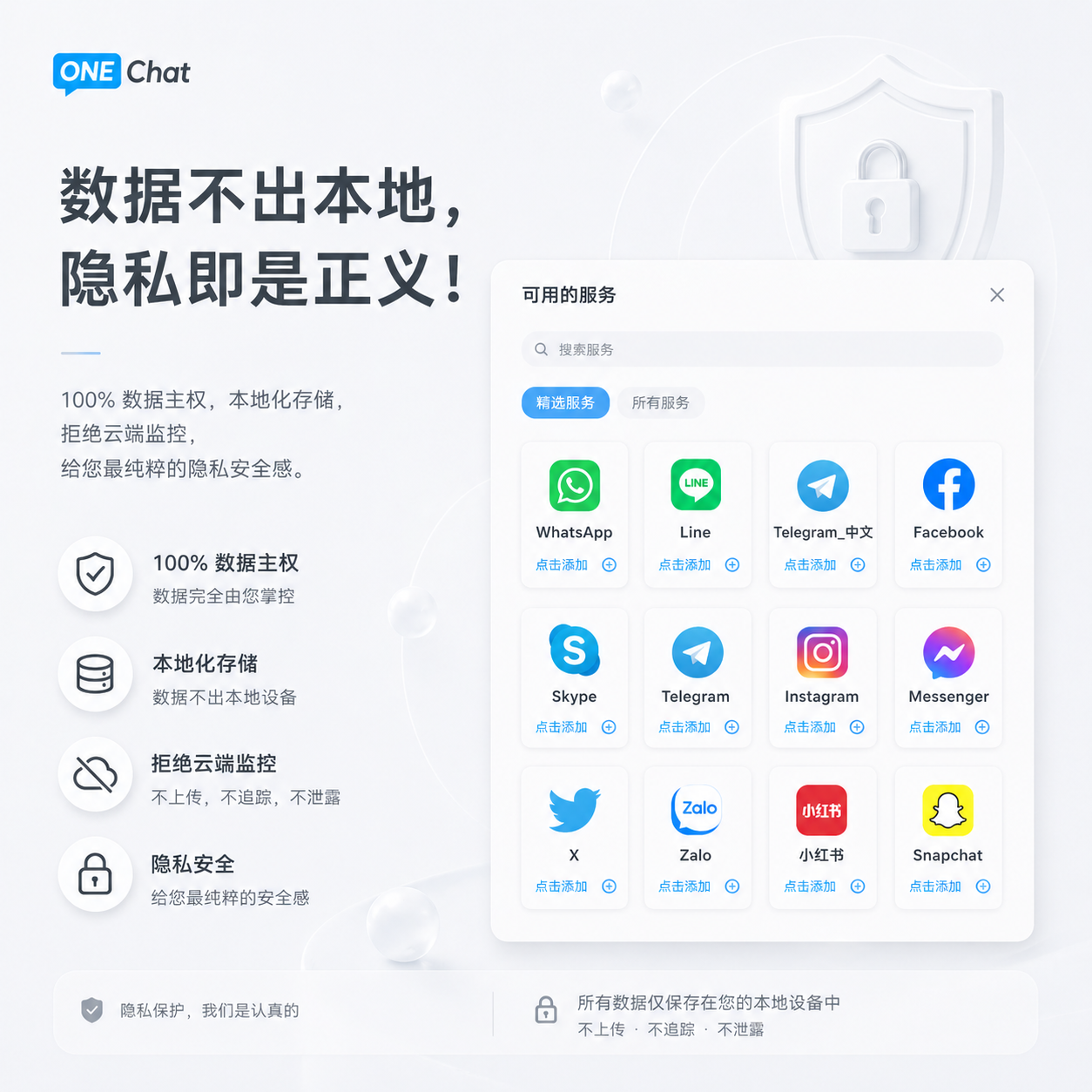
Why Local Storage Is the Single Biggest Security Decision You'll Make
Cloud storage is the default for almost every software product today — and for good reason. It enables seamless multi-device sync, automatic backups, and universal access. But for business messaging, cloud storage fundamentally changes your risk profile:
| Scenario | With Cloud Storage | With Local Storage |
|---|---|---|
| A hacker breaches the tool provider's servers | All your messages are exposed — across every platform, every customer, every conversation | Nothing is exposed. Your data was never on their servers. |
| A government issues a subpoena to the tool provider | The provider must hand over whatever they have — including your message metadata and possibly content | The provider has nothing to hand over. The subpoena must target you directly. |
| Your laptop is stolen | Risk depends on your device security. If the laptop was unlocked or the disk unencrypted, messages are exposed. | Same device-level risk — but the blast radius is limited to one device, not your entire conversation history in the cloud. |
| The tool provider shuts down | Your message history may be lost or sold as part of bankruptcy proceedings | Your data is on your device. The provider disappearing changes nothing. |
The trade-off is real: local storage means no automatic cross-device sync. For most business teams, this is an acceptable trade — the security gain of eliminating a cloud-based single point of failure far outweighs the inconvenience of device-bound data. According to Gartner's 2025 Digital Workplace Security report, 63% of surveyed enterprises now require "data residency guarantees" for any communication tool used in customer-facing workflows — a requirement that cloud-dependent messaging tools structurally cannot meet.
How to Audit Your Business Messaging Setup for Security Gaps
A practical, 15-minute audit you can run today:
- List every messaging platform your team uses for customer communication. Be honest — include the unofficial ones (WhatsApp personal accounts, Telegram, WeChat).
- For each platform, answer: Is E2EE enabled? Where are messages stored? Who has access? Is there a business continuity plan if an employee leaves?
- If you use a chat aggregation tool: Check whether it routes messages through its own servers (most do). If yes, you've added a new attack surface that didn't exist before.
- Run the offline test: Disconnect from the internet. Can you still search and read past messages? If no, your data lives in the cloud.
- Read the privacy policy of every tool in your stack. Search for the phrase "message content" — if the policy says they collect, process, or store it, treat that tool as a potential data exposure vector.
Can a Messaging Tool Be Both Convenient and Secure, or Is It Always a Trade-Off?
It used to be a hard trade-off — secure meant clunky, convenient meant exposed. That's no longer true. Tools like OneChat prove that you can have multi-platform aggregation, in-line AI translation, and 100% local storage in the same product. The key architectural decision is where the intelligence runs: if translation and search indexing happen on-device rather than in the cloud, you get both speed and privacy. The trade-off shifts from "security vs. convenience" to "cloud dependency vs. device capability" — and modern devices have more than enough compute power to handle translation and search locally.
Does End-to-End Encryption Still Work If I Use a Chat Aggregation Tool?
Yes — if the aggregation tool is a "display layer" rather than a "relay." A display-layer tool connects to WhatsApp Web or the official API and shows messages in its own interface — the underlying E2EE between you and your customer remains intact because the tool is just rendering what your browser would render. A relay tool, by contrast, routes messages through its own servers before displaying them — breaking the E2EE chain at the relay point. Before adopting any aggregation tool, ask explicitly: "Do messages pass through your servers, or do they go directly between my device and the platform?" If they pass through, E2EE is broken.
FAQ Schema
OneChat: Secure by Design, Powerful by Default
OneChat was built from the ground up with a simple principle: your business messages should never leave your device. 100% local storage means no cloud servers, no third-party access, no single point of failure. Yet you still get everything a modern business needs: 36+ platforms (WhatsApp, Telegram, WeChat, Line, Messenger) in one window, AI translation across 100+ languages, and unified cross-platform search — all running on-device. No cloud dependency. No data exposure. Just secure, powerful business communication.