What Is WhatsApp Auto-Translate and Why Do You Need It?
WhatsApp auto-translate is a tool that automatically converts incoming messages into your language — and your outgoing replies into your customer's language — without you ever copying and pasting anything.
If you run an international business, you know the pain: a customer in Indonesia sends a voice message in Bahasa, a supplier in Thailand texts in Thai, and a prospect in Saudi Arabia writes in Arabic. Switching between WhatsApp and Google Translate a hundred times a day is not just annoying — it costs you deals. According to a 2025 report by CSA Research, 76% of buyers prefer to purchase in their native language, and businesses that offer native-language support see conversion rates 2-3x higher than those that don't.
Auto-translate solves this at the messaging layer — so you can focus on selling, not switching apps.
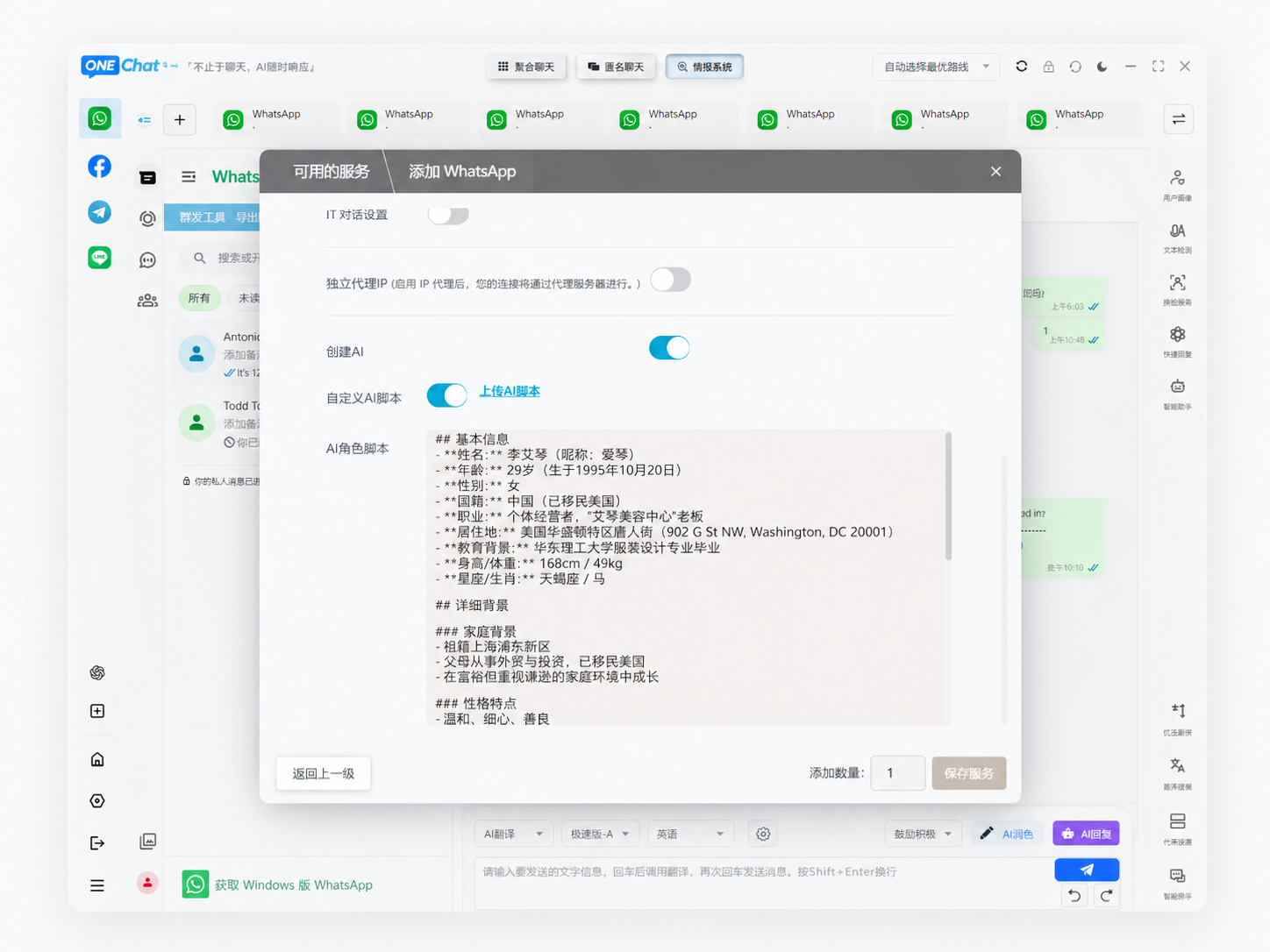
How Does WhatsApp Auto-Translate Actually Work?
There are three main approaches to auto-translating WhatsApp messages, from simplest to most powerful:
Approach 1: Third-Party Keyboard Extensions
Some apps install a custom keyboard that adds a "Translate" button. You type your message, tap the button, and it replaces your text with the translation. It works, but it's manual — you still have to tap for every message. Not truly "auto."
Approach 2: WhatsApp Bot Integrations
You forward messages to a bot number, it replies with the translation, and you forward it back. This is cumbersome and violates WhatsApp's anti-spam policies if automated. Not recommended for business use.
Approach 3: All-in-One Messenger Aggregators (Recommended)
This is the modern approach and the focus of this guide. Apps like OneChat aggregate WhatsApp, Telegram, Line, and 36+ other platforms into a single window, with AI-powered real-time translation built in. You type in Chinese, it sends in Indonesian. You receive a Thai message, it displays in Chinese. Zero manual steps. This is what "auto-translate" should mean.
Top 5 WhatsApp Auto-Translate Tools Compared
| Tool | Auto-Translate | Platforms | Voice Translation | Price | Best For |
|---|---|---|---|---|---|
| OneChat | ✅ Real-time | 36+ (WhatsApp, Telegram, Line, Zalo...) | ✅ Voice message translation | Free | Cross-border businesses managing multiple platforms |
| Haiwang Translator | ✅ Real-time | 5+ (WhatsApp, Telegram, Messenger) | ✅ | Freemium | WhatsApp-heavy sellers |
| WhatsApp Business + Translator Plugin | ⚠️ Manual tap | WhatsApp only | ❌ | Free + plugin cost | Solo entrepreneurs on one platform |
| Google Translate (copy-paste) | ❌ Manual | N/A | ❌ | Free | Occasional translation needs |
| Gboard Translator | ⚠️ Semi-auto | Any app | ❌ | Free | Light users who don't mind tapping per message |
Key takeaway: If you handle more than 20 international messages a day, the copy-paste method is costing you time and money. An all-in-one aggregator like OneChat pays for itself in saved hours within the first week — and it's free.
Step-by-Step: How to Set Up WhatsApp Auto-Translate with OneChat
- Download OneChat from onechat.chat/download (Windows/macOS, free).
- Connect your WhatsApp account — scan the QR code with your phone, just like WhatsApp Web.
- Add other platforms — Telegram, Line, Zalo, Messenger, whatever your customers use. All in one window.
- Enable auto-translate — go to Settings > Translation, choose your source language (e.g. Chinese) and target language (e.g. Indonesian). Turn on "Auto-Translate Messages."
- Start chatting — every message you receive is automatically translated. Every message you send is translated before it reaches your customer. Zero additional steps.
What About Voice Messages? Can Auto-Translate Handle Those?
Yes — if you pick the right tool. OneChat supports voice message translation: a customer sends you a voice note in Thai, and the app transcribes it, translates it, and shows you the text in Chinese. This is a game-changer for markets like Thailand and Indonesia where voice messages are the dominant communication format.
According to Meta's own data, over 50% of WhatsApp messages in Southeast Asia are voice messages. If your auto-translate tool only handles text, you're missing half the conversation.
Three Real Business Scenarios Where Auto-Translate Wins
Scenario 1: E-Commerce Seller Handling 5 Countries
A Guangzhou-based electronics seller uses OneChat to manage WhatsApp (Indonesia), Telegram (Thailand), Line (Japan), and Zalo (Vietnam) — all in one window. Before auto-translate: 2-3 hours/day just switching apps and translating. After: less than 30 minutes/day on chat management. Response time dropped from 4 hours to under 10 minutes.
Scenario 2: B2B Industrial Equipment Supplier
A Shenzhen machinery exporter previously hired a part-time translator for Arabic and Spanish clients at ¥5,000/month. After switching to OneChat's auto-translate with the built-in industry terminology database, they eliminated the translator role entirely for routine communications, saving ¥60,000/year.
Scenario 3: Solo Freelancer Serving International Clients
A freelance graphic designer based in Bangkok uses OneChat to communicate with clients in China, Japan, and South Korea. The auto-translate feature means she never has to worry about language barriers — she focuses on design, OneChat handles the translation.
Data Privacy: Why Local Storage Matters
Here's something most auto-translate tools don't tell you: when you use cloud-based translation, your business messages are sent to a third-party server. That includes customer names, pricing discussions, contract details — everything.
OneChat takes a fundamentally different approach: 100% local processing. Translation happens on your device, and your chat data never leaves your computer. For businesses handling sensitive trade negotiations or high-value transactions, this is not a nice-to-have — it's a requirement.
FAQ
Start Translating WhatsApp Automatically — Free
OneChat aggregates 36+ messaging platforms (WhatsApp, Telegram, Line, Zalo...) with AI real-time translation for 100+ languages. Voice translation, AI voice cloning, and AI face swap included. 100% local storage — your data never leaves your computer.